YUZVIX
Support
Pro upgrade says “Server error”? It’s a Google Play bug, not the app — here’s how to fix it.

Google Play bug · not the app · since late September 2026

Can’t upgrade to Pro? Here’s how to fix it.

When you tap Upgrade to Pro on the watch, Google Play hands the payment over to your phone — and since late September the phone’s Play Store fails that handoff with “Server error” or “This version of the application is not configured for billing through Google Play”. The app never gets a say in this: the error happens inside Google Play, before the payment reaches the app. Google has confirmed the bug is on their side — it hits every watch-only app on Google Play — and is working on it, but there is no date for a fix yet. Nothing is wrong with the app, your Google account or your card. Skip the phone and finish the purchase on a computer instead:

“Server error”

“Not configured for billing through Google Play”

What the bug looks like on the phone
  1. 1

    Start the upgrade on the watch

    Open the app, scroll down the menu and tap Upgrade to Pro.

  2. 2

    Find the link on the watch

    Google Play’s “Complete your purchase” screen opens on the watch. Ignore the part about the notification on your phone and scroll down: below “OR” it tells you to go to g.co/PlayContinue in a web browser.

  3. 3

    Finish the purchase on a computer

    On a computer (or an iPhone or iPad — anything without the Play Store app) open g.co/PlayContinue in a browser, sign in with the Google account from your watch and complete the purchase. “Couldn’t find your request” means a different account is signed in — switch to the watch’s one. On an Android phone the link opens the Play Store app and hits the same error.

    Captured on our test account — you’ll see your own card and price.

  4. 4

    Reopen the app on the watch

    Close the app and open it again. Pro unlocks on its own — nothing to enter.

“…a server-side regression in Google Play’s cross-device companion billing handoff flow … We have formally escalated this issue to the Google Play Billing and Wear OS Engineering teams.”
— Google Play Developer Support, reply to our ticket

Still stuck?

Write to me and I’ll walk you through it personally:

Wear OS TV Remotes for Galaxy Watch & Pixel Watch

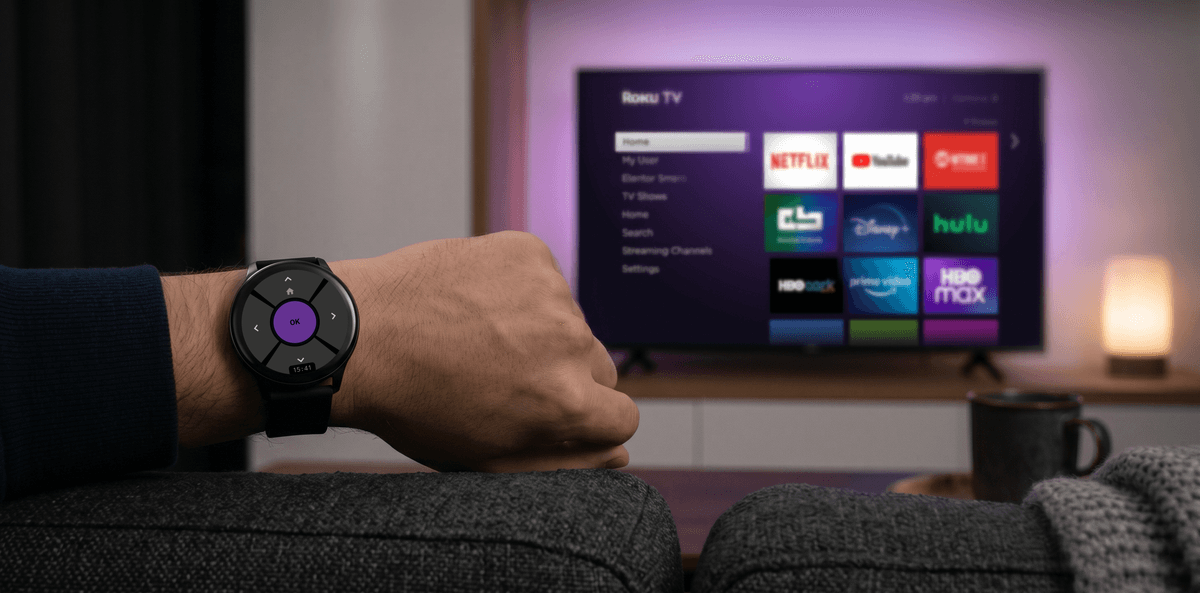
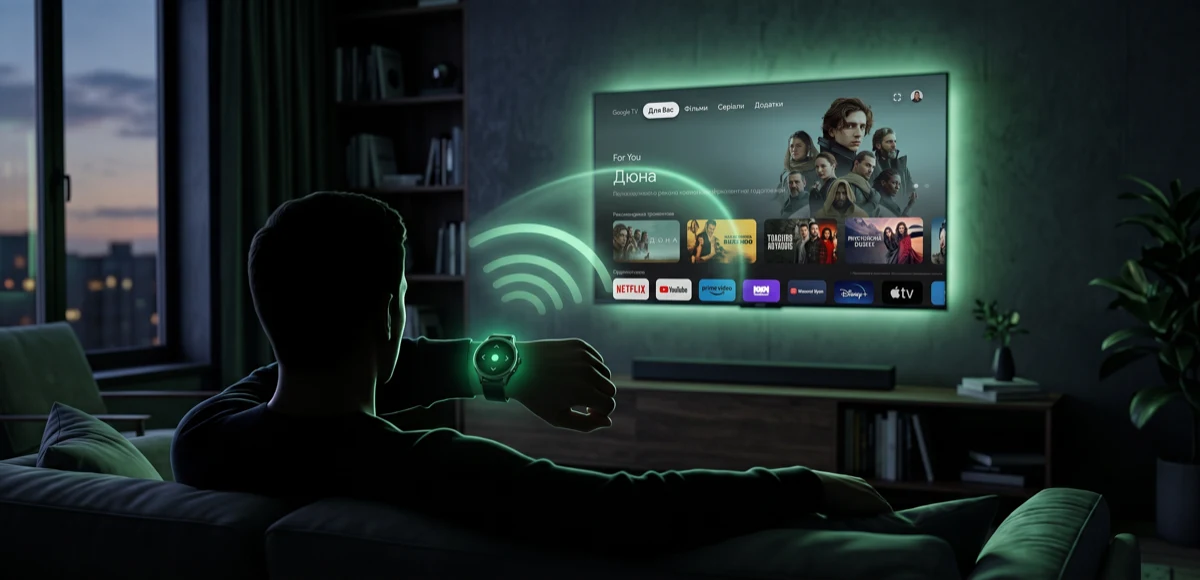
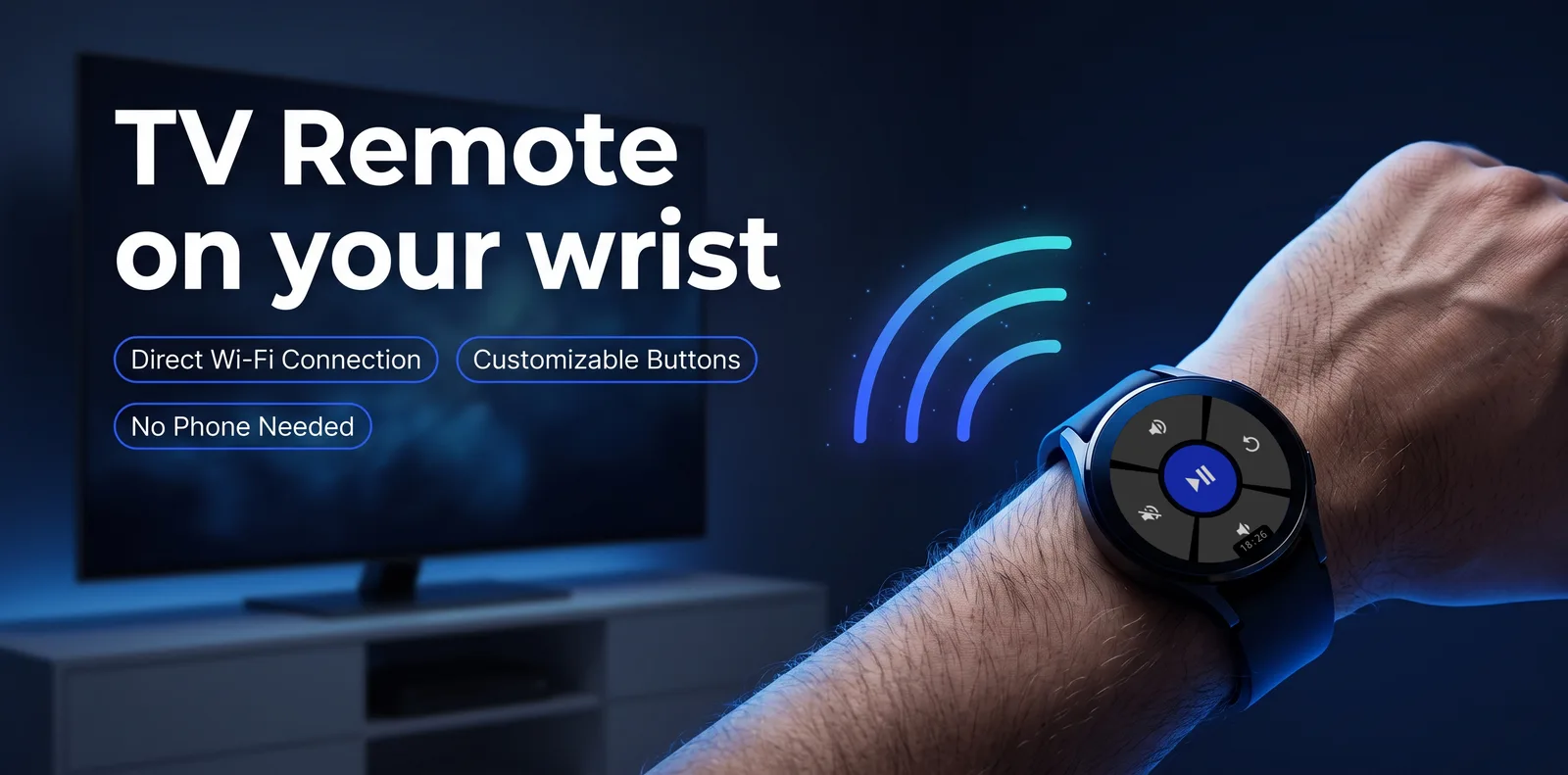
Yuzvix makes standalone Wear OS apps that turn your smartwatch into a TV remote. Control Android TV, Google TV, Samsung Smart TV, Roku, Fire TV and Android TV boxes over Wi-Fi, right from your wrist — no phone needed. Pick the remote for your TV:

New · Word game for Android

New · Word game for Android

Erudo — Word Board Game in 16 Languages

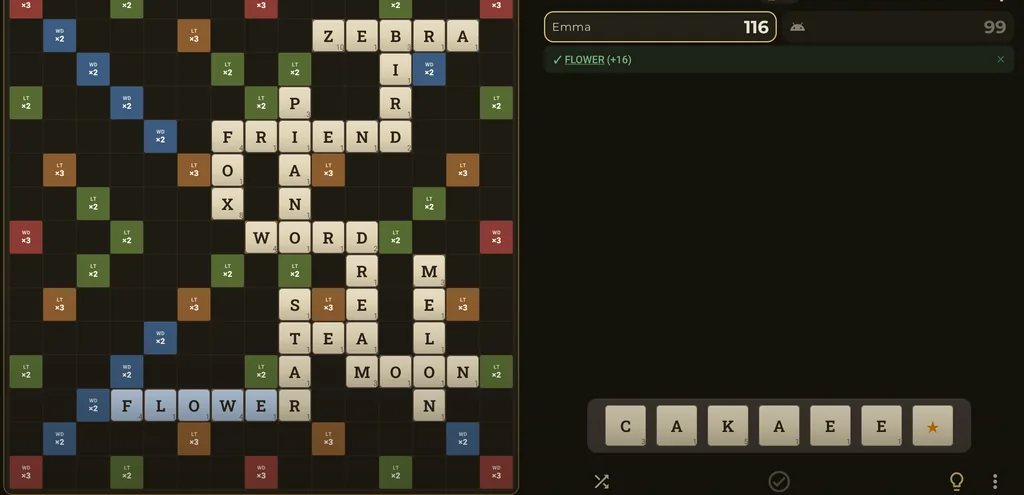
Erudo on a tablet: a 15×15 word board mid-game with letter tiles and the players’ scores
05Android · 2026

A classic tile word game for Android: play offline against a fair AI, with a friend on two phones over Bluetooth, or online by a 4-digit room code. No account, no forced ads mid-game, one-time Premium. Dictionaries and interface in 16 languages, including Ukrainian — plus a built-in dictionary for the words you learn.

  • Offline vs AI
  • Two phones via Bluetooth
  • Online by room code
  • Built-in dictionary
  • No account